
The language feature that no one talks about
Written by Guglielmo Bartelloni
Originally published on LinkedIn on January 14, 2025.
In the previous article, I highlighted some of my favorite features of my favorite language, Elixir. However, I left out a crucial one—one that will undoubtedly become a must-have when choosing your next programming language.
Have you ever written a program and thought: “I wish I had this feature built into the language; it would make my life so much easier,” or “I wish I could create a Domain Specific Language to solve my needs”?
Introducing metaprogramming: the ability to manipulate the language and extend it based on your requirements.
Today we will explore this powerful mechanism and create some new language constructs with it.
This article is heavily inspired by Metaprogramming Elixir – Write Less Code, Get More Done (and Have Fun!) by Chris McCord, the creator of the Phoenix Framework. If you want to learn more about this subject, I recommend reading his book.
Abstract Syntax Tree
Before we begin, it’s essential to understand the fundamentals of how compilers interpret languages.
To understand the semantics of your code, a compiler usually transforms it into a tree data structure called an Abstract Syntax Tree (AST). This transformation has a lot of benefits because it “abstracts” away the syntax details—such as formatting and parentheses—and, among other things, lets the compiler understand the scope of functions and variables.
Let’s see a simple example:
2 * 4 - 3 + 7
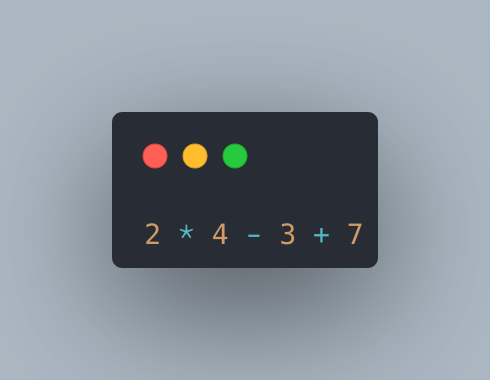
This simple arithmetic operation is translated as a tree looking like the following:
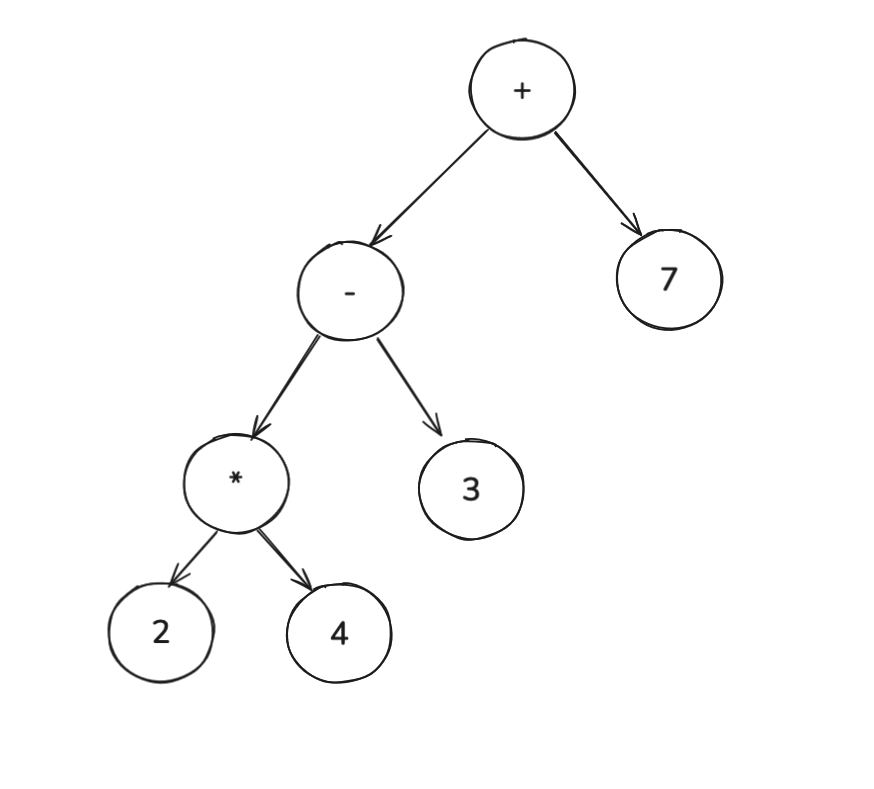
If you start from the leaves and execute the operation of each parent, you will ultimately get 12, which is the result of the operation.
Usually programming languages don’t give you access to this internal representation, but this is where Elixir shines. You can directly obtain and manipulate the AST like any other data structure.
I will let that sink in. You can imagine how powerful this can be.
Let’s first see how a simple 2 + 2 is represented in Elixir’s AST.
2 + 2
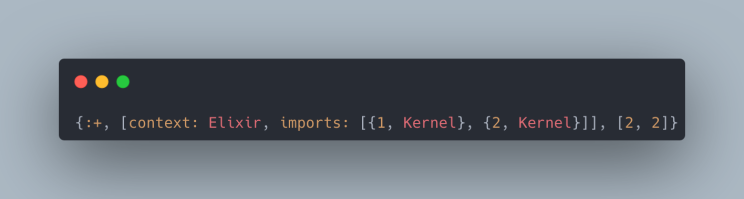
The AST is a tuple with three arguments:
{:+, [context: Elixir, imports: [{1, Kernel}, {2, Kernel}]], [2, 2]}
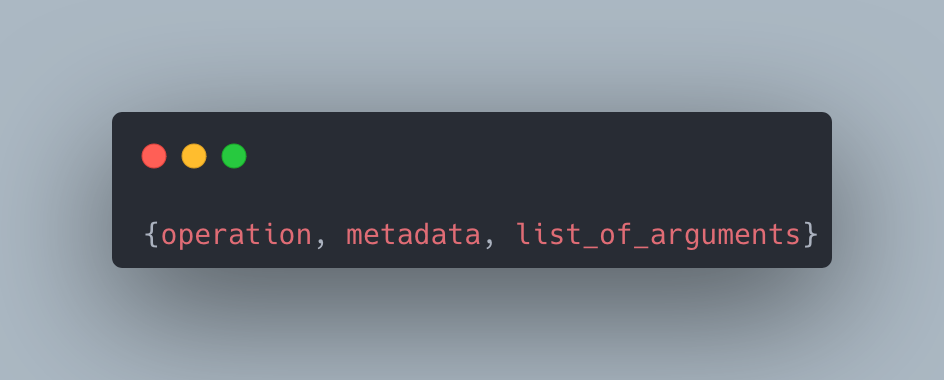
The first is the operation—in our case :+ (plus), the second is metadata, and the third is the list of arguments [2, 2].
Now let’s see the AST for 2 * 4 - 3 + 7, the first arithmetic operation that I presented:
{:+, _meta,
 [
   {:-, _meta, [{:*, _meta, [2, 4]}, 3]},
   7
 ]}
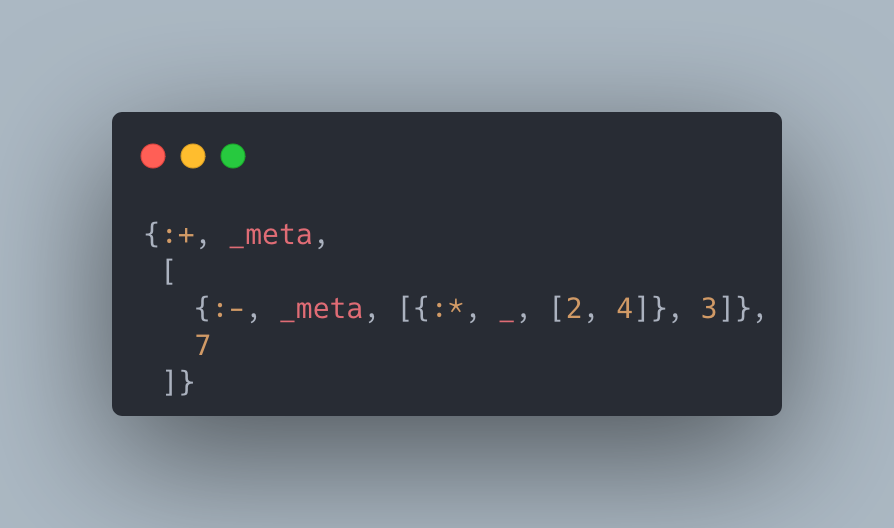
You can see that this nested tuple is the same as the AST drawing of the operation.
Now that we understand how Elixir represents the AST internally, let’s see how we can access and modify it.
Macro
Macros are the things that let us write code that writes code.
A macro is just a function that takes an AST and returns an AST.
We define a macro when we want to create a new language feature. Even the Elixir standard library is mostly built out of macros—for example, the if function is a macro!
So in some sense Elixir is built with Elixir 🤯.
Let’s see a macro example:
defmacro say({:+, _, [lhs, rhs]}) do
  quote do
    lhs = unquote(lhs)
    rhs = unquote(rhs)
    result = lhs + rhs
    IO.puts("#{lhs} plus #{rhs} is #{result}")
    result
  end
end
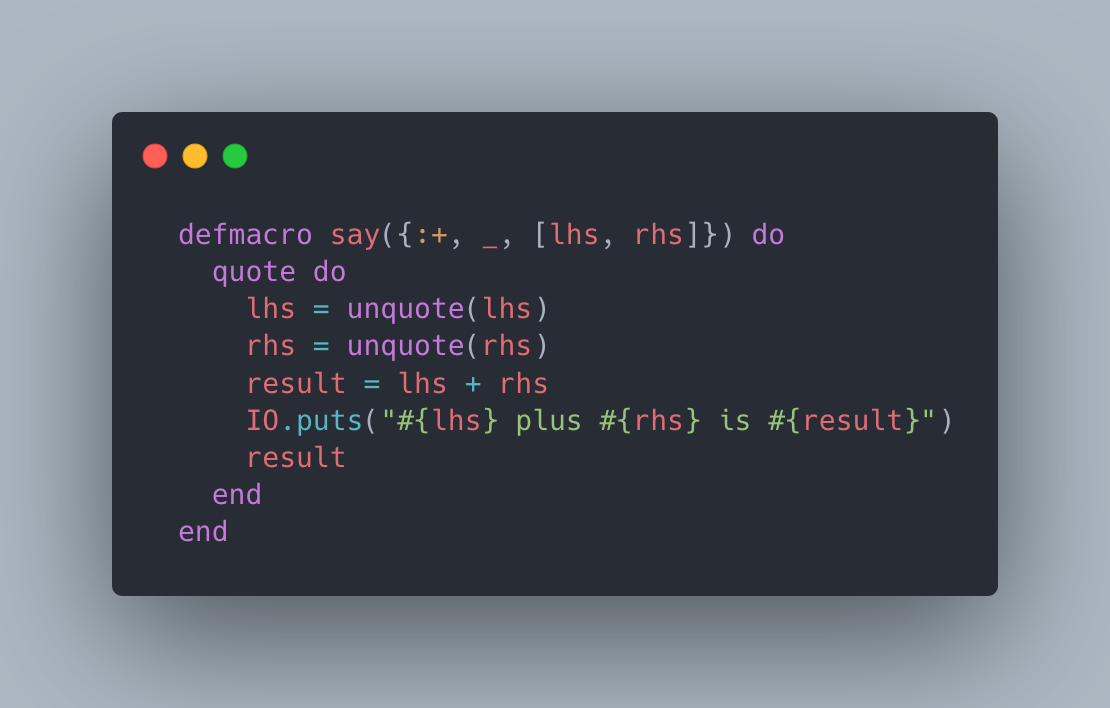
This example is based on Chris McCord’s Metaprogramming Elixir.
And let’s use it:
iex> say 5 + 2
5 plus 2 is 7
7
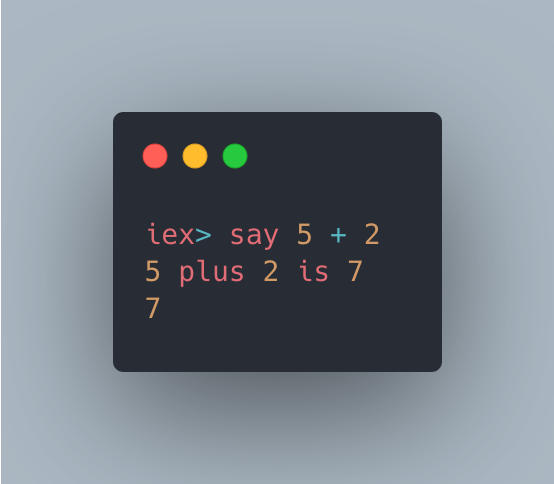
We defined a new macro called say, which allows us to explicitly “say” the + operation being performed. You might be wondering, “Isn’t this just like a function?” It’s not quite the same. Unlike a regular function, a macro provides access to the actual operation arguments, rather than simply receiving the result—like 7 in this case—as input.
You may also notice that we used an Abstract Syntax Tree as the argument, pattern-matching the structure of the + operation to extract its two arguments.
Now that you’ve seen a macro in action, let’s introduce the quote function. This function allows you to convert a piece of code into its AST representation.
Let’s use it:
iex> quote do: 1 + 2
{:+, [context: Elixir, import: Kernel], [1, 2]}
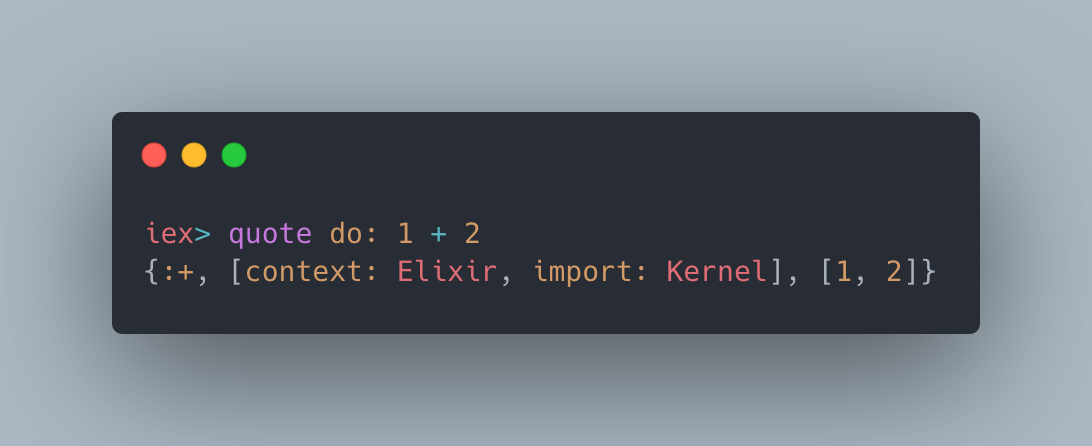
In the above example we transformed 1 + 2 into its AST form. This is useful because when writing macros we don’t want to write the AST by hand; we want to access it.
Let’s rewrite the unless macro, the opposite of the if macro that Elixir removed in the last release.
We want it to behave like this:
unless 5 < 2 do
  "I'm in"
end
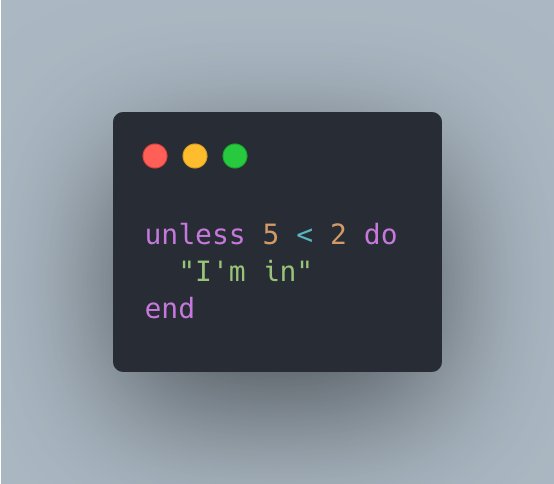
The block “I’m in” will be returned only if the condition is false. In this case the block will be executed since 5 is bigger than 2.
Technically our unless macro has two arguments: one is the condition, and the other is the block to execute.
Let’s see the implementation—don’t worry, I will explain it:
defmodule Guglielmo do
  defmacro unless(expression, do: block) do
    quote do
      if !unquote(expression), do: unquote(block)
    end
  end
end
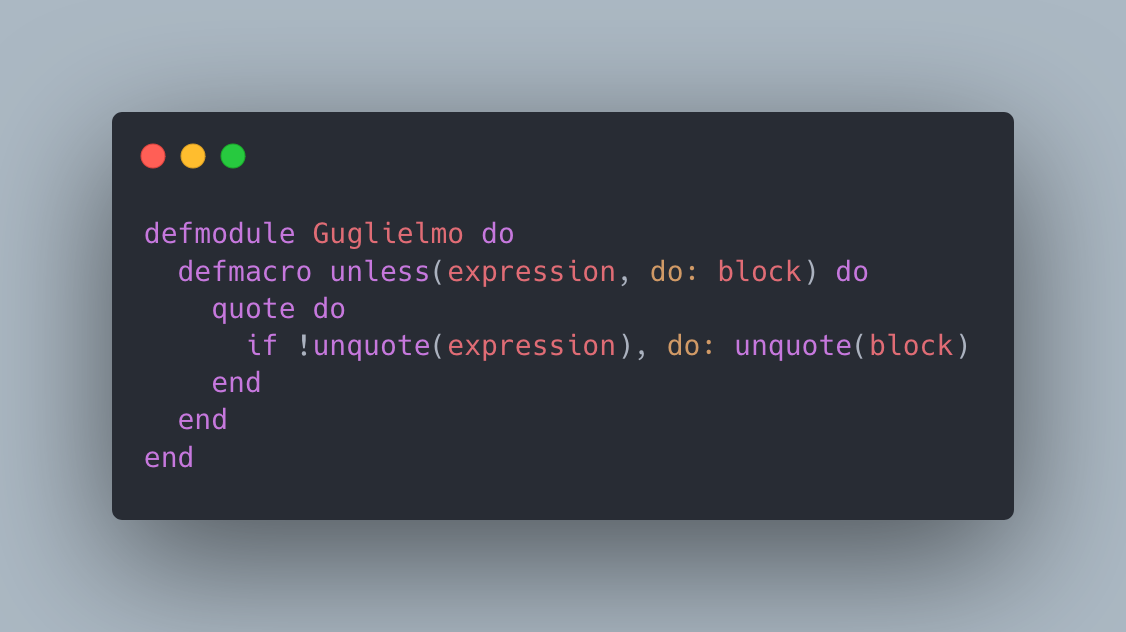
First we use defmacro to define a new macro with the name unless, of course. Note that the inputs of the unless macro are the expression and the pattern-matched do: block.
We wrap the macro’s body with quote to return its AST representation because, remember, a macro is a function that returns an AST.
Then we define the code itself. Because unless is the opposite of if, we use the if macro and negate the condition.
You will notice that there is an unquote(expression) function. This is used to inject the value of expression into the AST; think of it like string interpolation, where we inject a variable value inside a string.
Without unquote, the expression will be treated as literal code and not evaluated. So it’s important to use it.
Let’s try our newly created language construct:
iex(3)> unless 5 < 2 do
...(3)>   "I'm in"
...(3)> end
"I'm in"
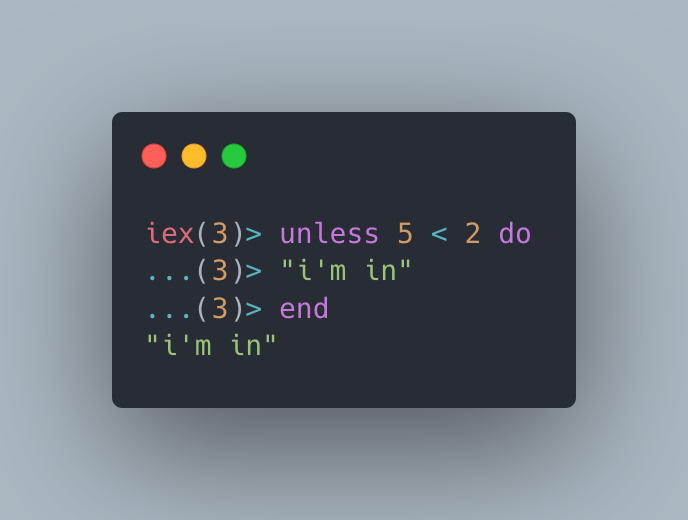
It works! Isn’t that amazing? With minimal effort, we created a new language construct that feels as though it’s natively built into Elixir.
Metaprogramming in practice
Metaprogramming in Elixir is a far broader topic than what we’ve covered here, but now you have a glimpse into its potential and how many powerful features and libraries are built using it.
For instance, when you define an endpoint in Phoenix within the router, you might write something like this:
get "/hello", WorldController, :index
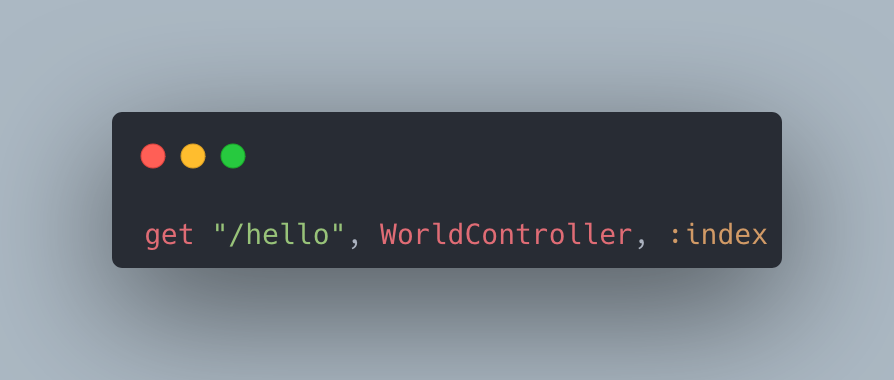
Under the hood, get is a macro that generates the necessary code to handle GET requests at the /hello endpoint.
Another example is in Ecto, a data-mapping library, when you want to define a schema for a table in the database:
defmodule Meme do
  use Ecto.Schema

  schema "memes" do
    field :title, :string
    field :content, :text
    timestamps()
  end
end
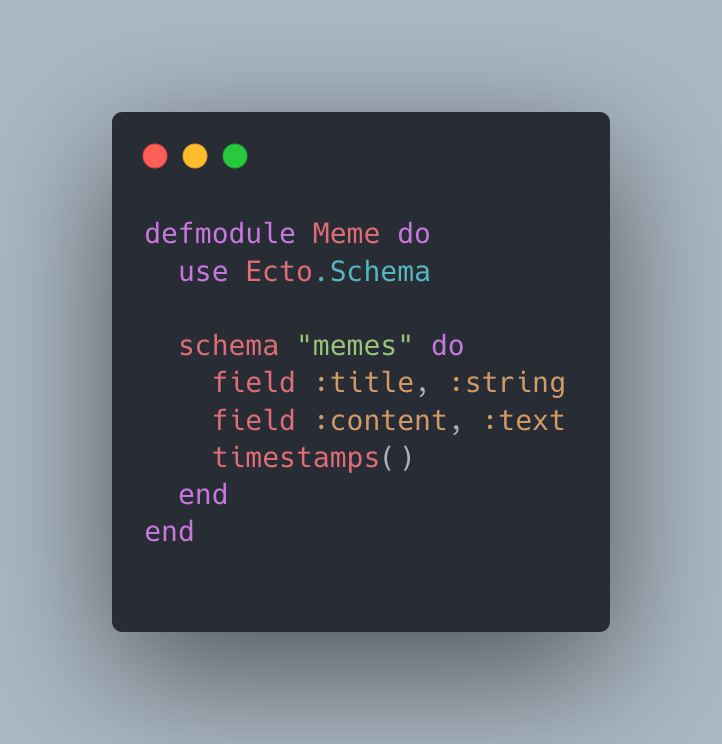
This is all done with the use of macros!
I hope I’ve sparked some curiosity!
On the topic of sparks, there’s a library named Spark that simplifies the creation of DSLs, leveraging the power of metaprogramming to make this process seamless and efficient. It is created by Zach Daniel, the author of the Ash Framework, and I encourage you to give it a look.
Feel free to comment on this article and give me your opinion on metaprogramming. I’m interested in hearing from you.